
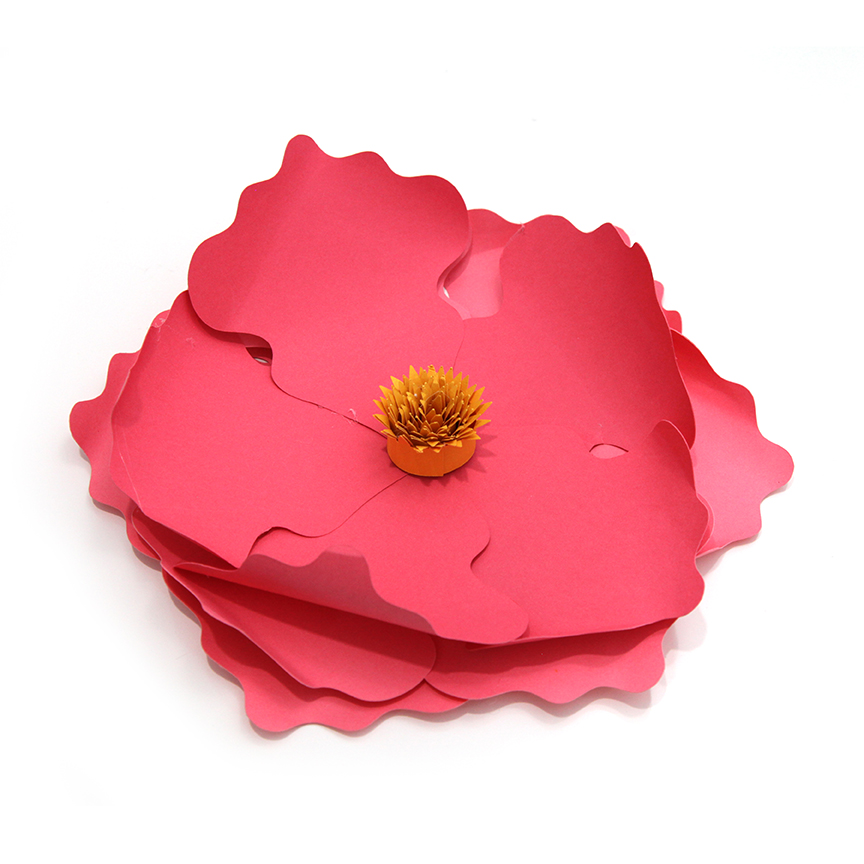
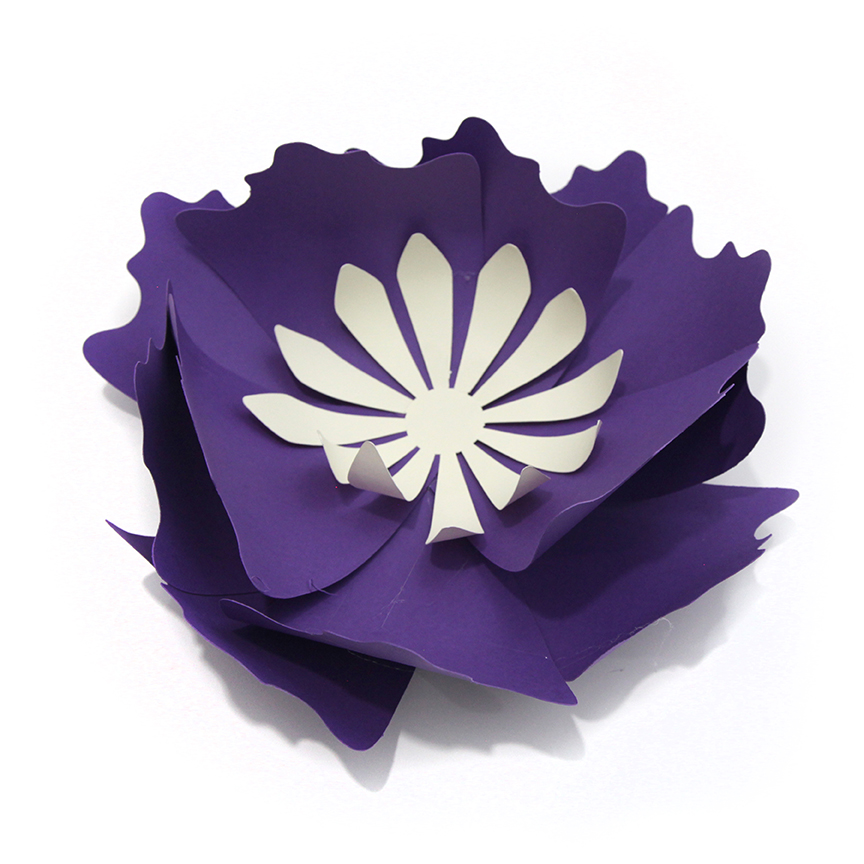
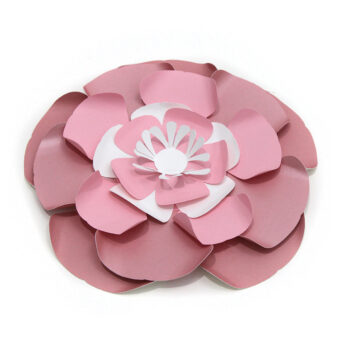
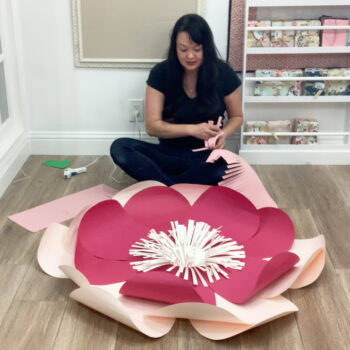
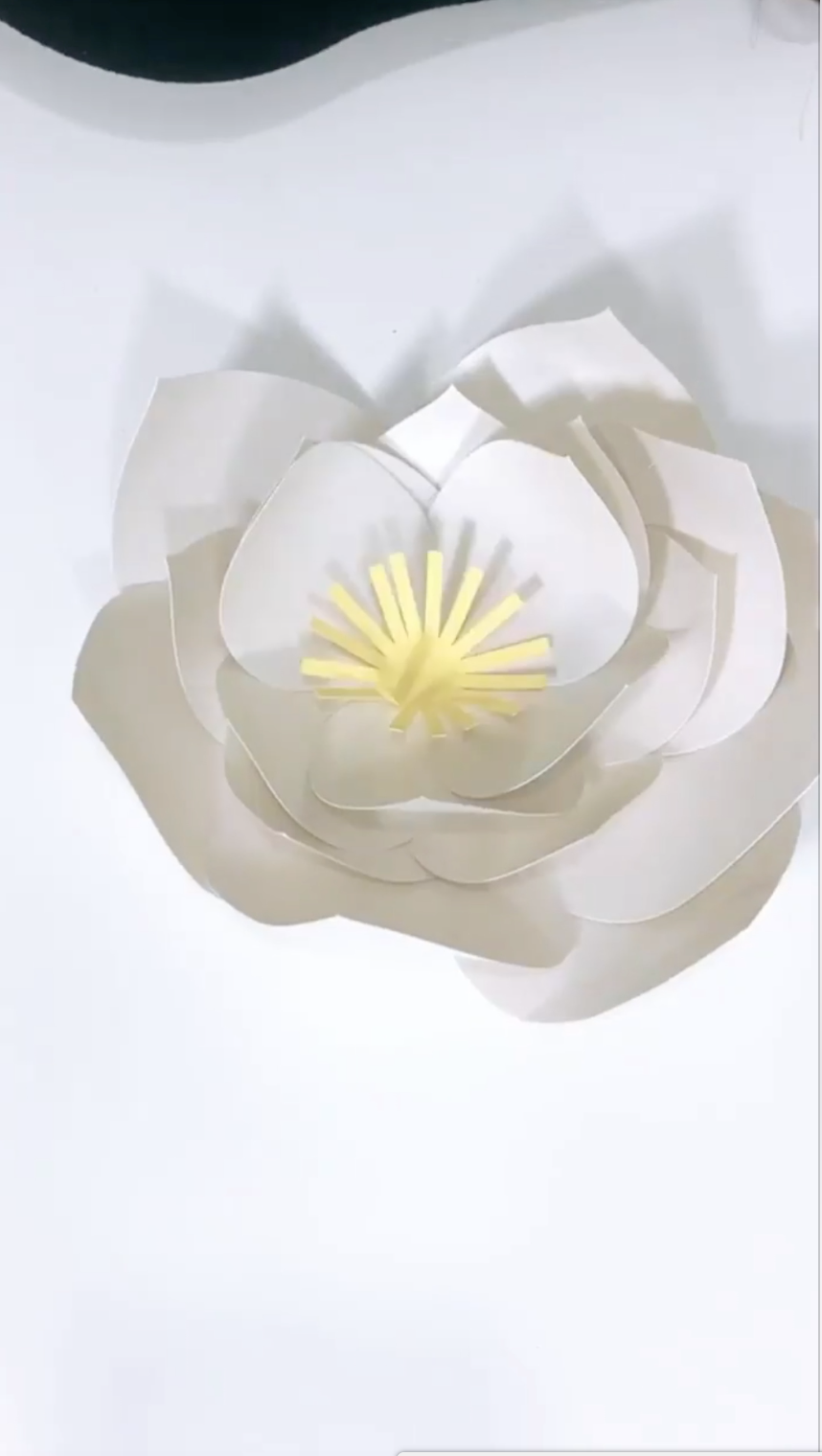
Ruffle Medium 3D Flower
 I’m excited to show you what’s new in my shop! This new video is part of this week’s new releases. You can visit my new products here:
https://www.silhouettedesignstore.com/view-artist/252689
To join my VIP group for free, go here: http://eepurl.com/dN2RcY. I regularly RESEND files so be sure to sign up so that you are getting all my free tutorials!
TUTORIAL/LIVE VIDEO SCHEDULE
Tuesdays Silhouette Projects 10am MST
instagram @carinagardnerpapercrafts
facebook https://www.facebook.com/carina.gardner.designs/
Tuesdays MiniLou 10:30am MST
instagram @miniloukids
facebook https://www.facebook.com/miniloukids/
Wednesdays Learn to Design Videos
Youtube only
Thursdays Fabric Projects 10am MST
instagram @carinagardner
facebook https://www.facebook.com/carina.gardner.designs/
Ruffle Medium 3D Flower Read More »
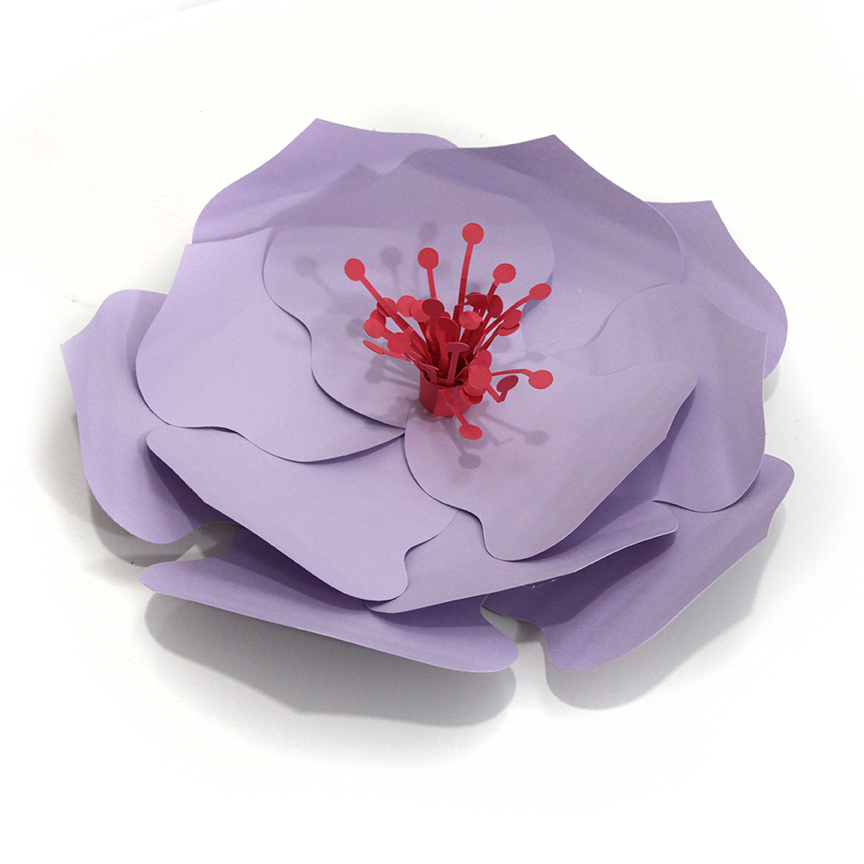
 I’m excited to show you what’s new in my shop! This new video is part of this week’s new releases. You can visit my new products here: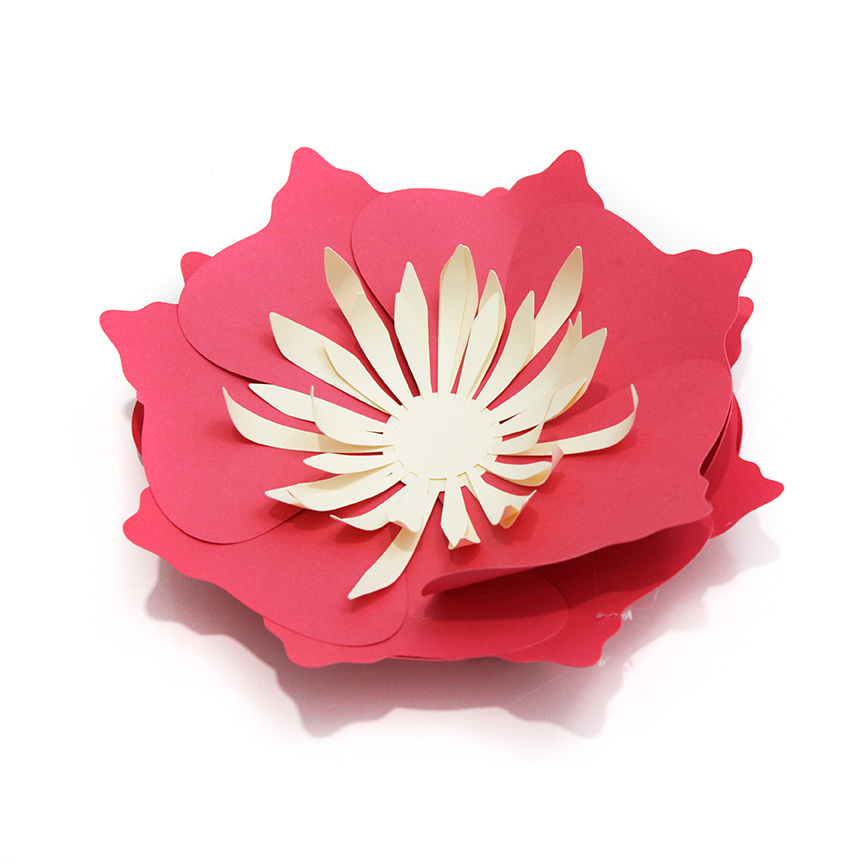
 I’m excited to show you what’s new in my shop! This new video is part of this week’s new releases. You can visit my new products here:
 Today I want to show you how to open up a new document in Illustrator!
 I’m excited to show you what’s new in my shop! This new video is part of this week’s new releases. You can visit my new products here:
 I’m excited to show you what’s new in my shop! This new video is part of this week’s new releases. You can visit my new products here:
 I’m excited to show you what’s new in my shop! This new video is part of this week’s new releases. You can visit my new products here:
 Today I want to show you how to open up a new document in Illustrator!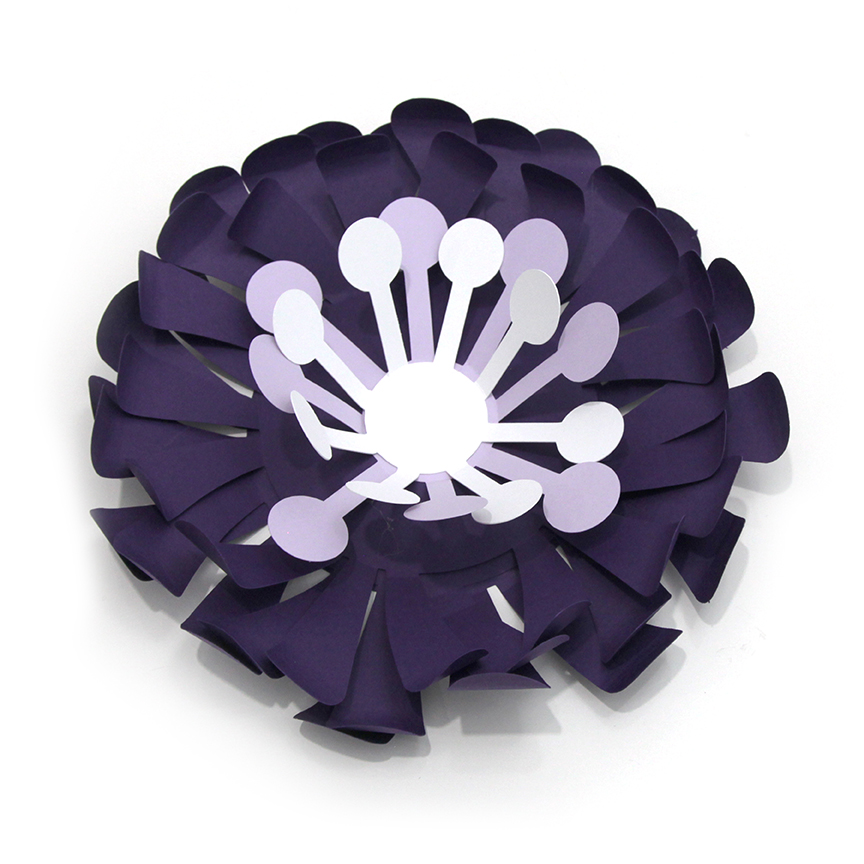
 I’m excited to show you what’s new in my shop! This new video is part of this week’s new releases. You can visit my new products here:
 I’m excited to show you what’s new in my shop! This new video is part of this week’s new releases. You can visit my new products here: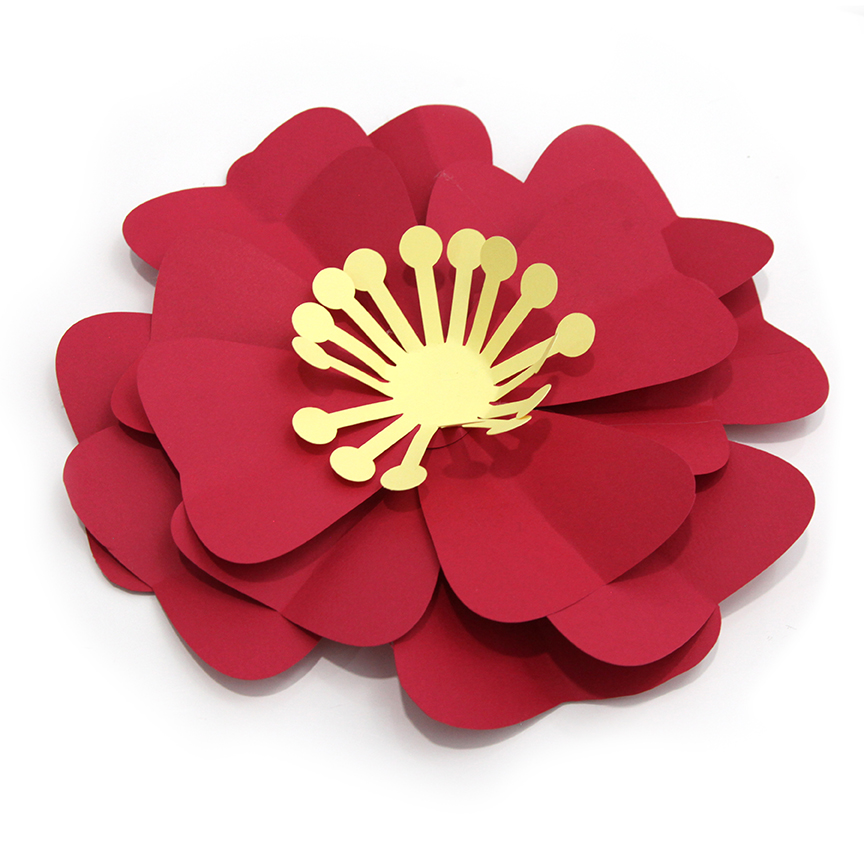
 I’m excited to show you what’s new in my shop! This new video is part of this week’s new releases. You can visit my new products here:
 I’m excited to show you what’s new in my shop! This new video is part of this week’s new releases. You can visit my new products here:
 TUTORIAL/LIVE VIDEO SCHEDULE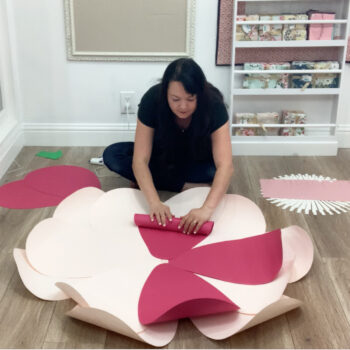
 Today I want to show you how to use the brush and eraser in Illustrator! I send out links and freebies to my VIP Courses Group. You can join this group for free by clicking here:
 I’m excited to show you what’s new in my shop! This new video is part of this week’s new releases. You can visit my new products here:
 I’m excited to show you what’s new in my shop! This new video is part of this week’s new releases. You can visit my new products here:
 I’m excited to show you what’s new in my shop! This new video is part of this week’s new releases. You can visit my new products here: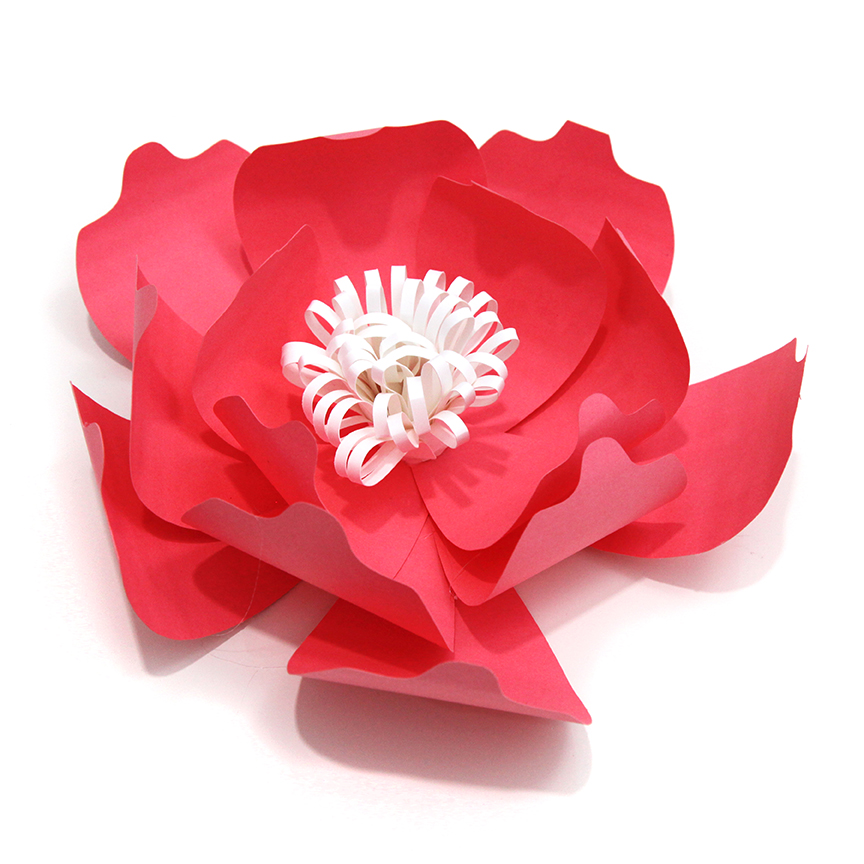
 I’m excited to show you what’s new in my shop! This new video is part of this week’s new releases. You can visit my new products here:
 Today I want to show you how to make a banner in Illustrator! I send out links and freebies to my VIP Courses Group. You can join this group for free by clicking here: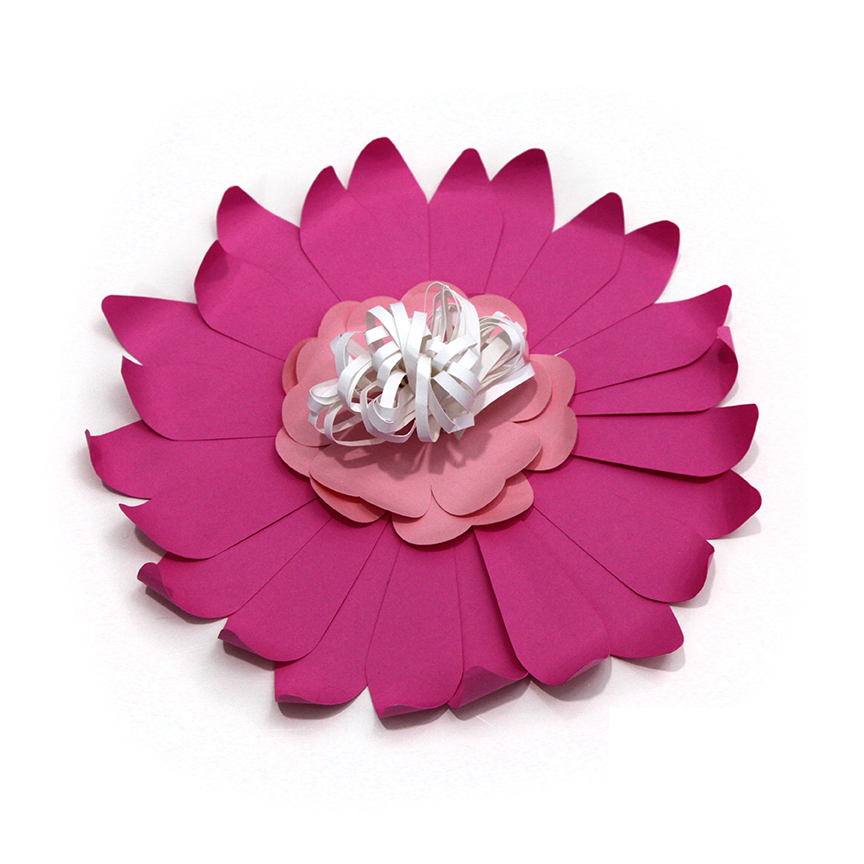
 I’m excited to show you what’s new in my shop! This new video is part of this week’s new releases. You can visit my new products here:
 I’m excited to show you what’s new in my shop! This new video is part of this week’s new releases. You can visit my new products here: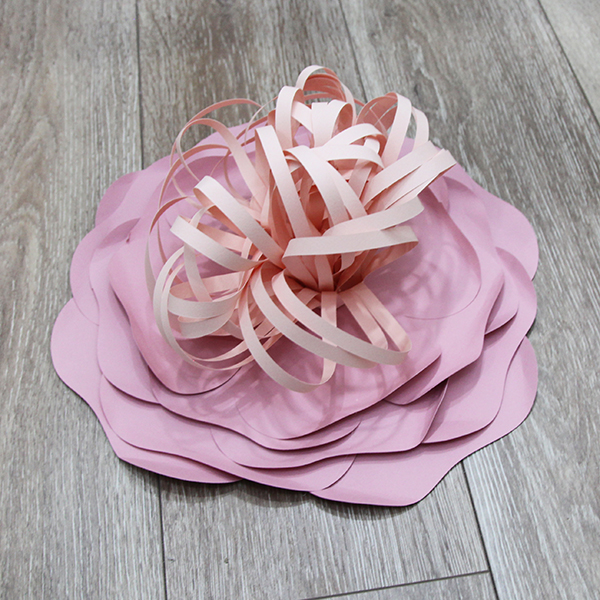
 I’m excited to show you what’s new in my shop! This new video is part of this week’s new releases. You can visit my new products here:
 Today I want to show you how to use aligning tools in Illustrator! I send out links and freebies to my VIP Courses Group. You can join this group for free by clicking here: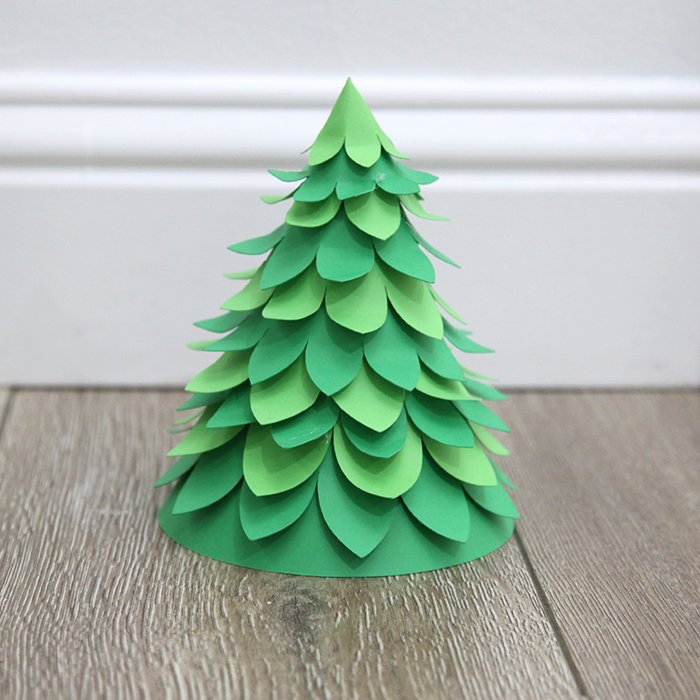
 I’m excited to show you what’s new in my shop! This new video is part of this week’s new releases. You can visit my new products here: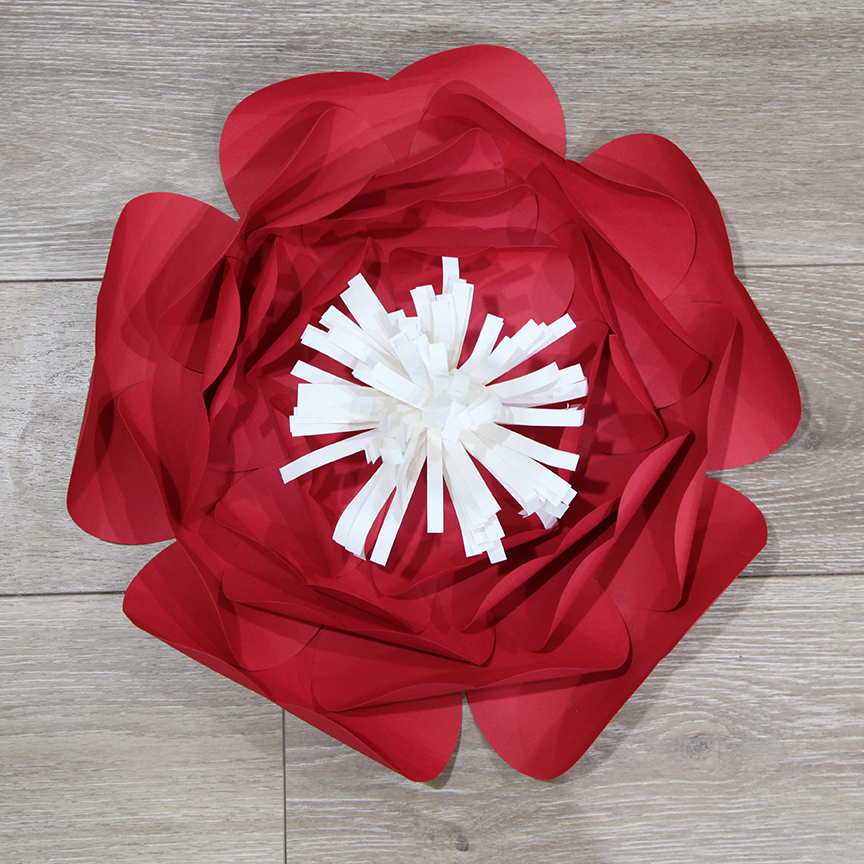
 I’m excited to show you what’s new in my shop! This new video is part of this week’s new releases. You can visit my new products here: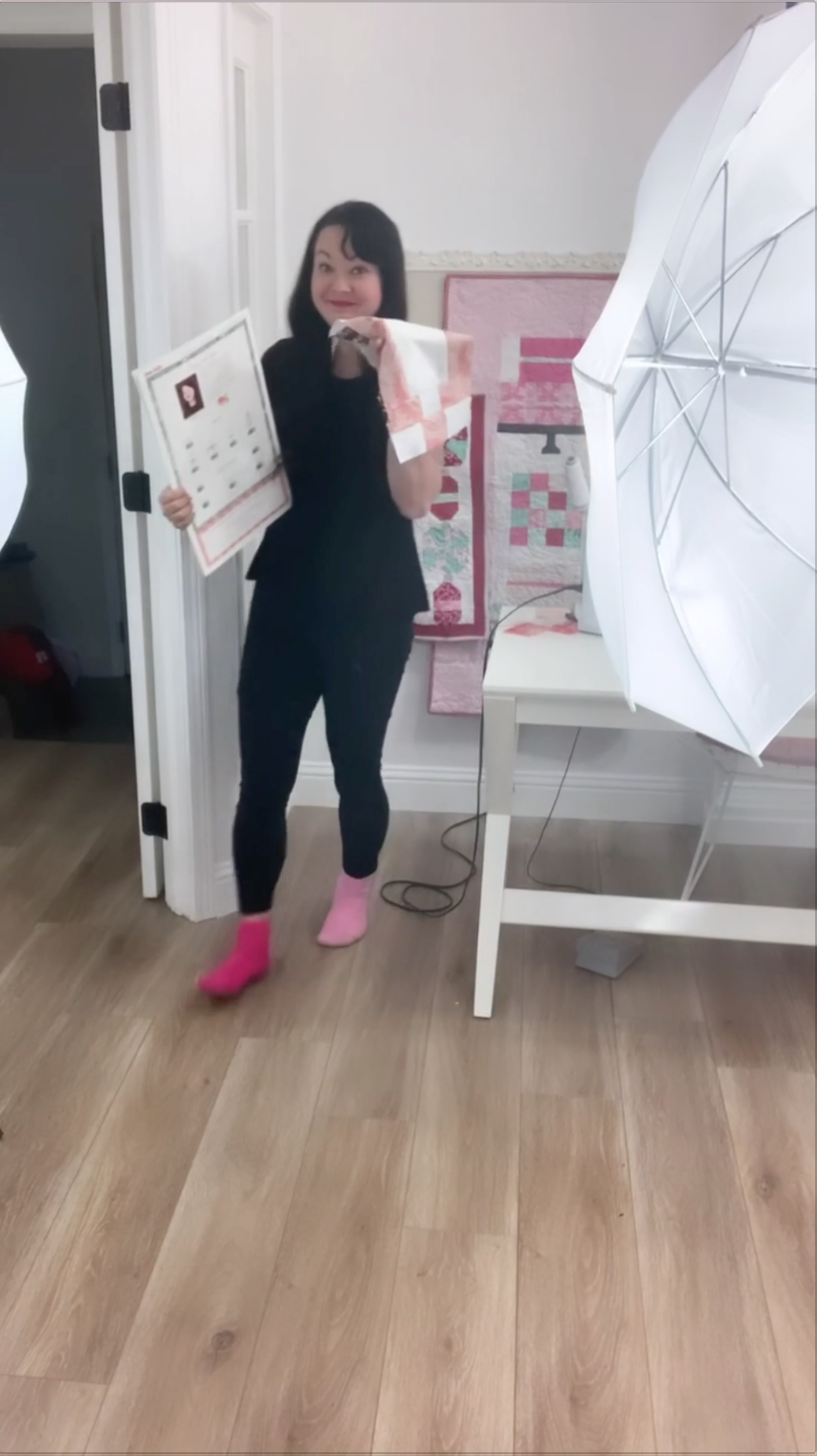
 I’ve been making a lot of content but it has been hard for me to keep up with posting them here on the blog so I have a few 15 second videos for you in this one post. These are originally posted with Reels at either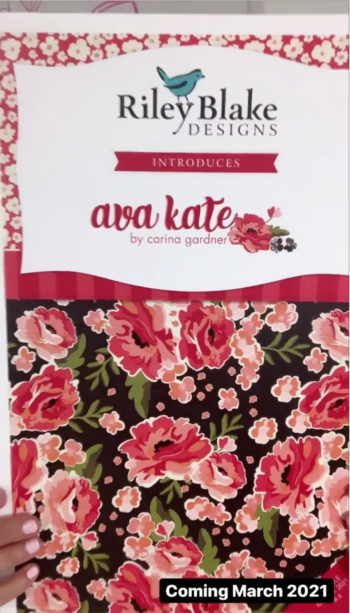
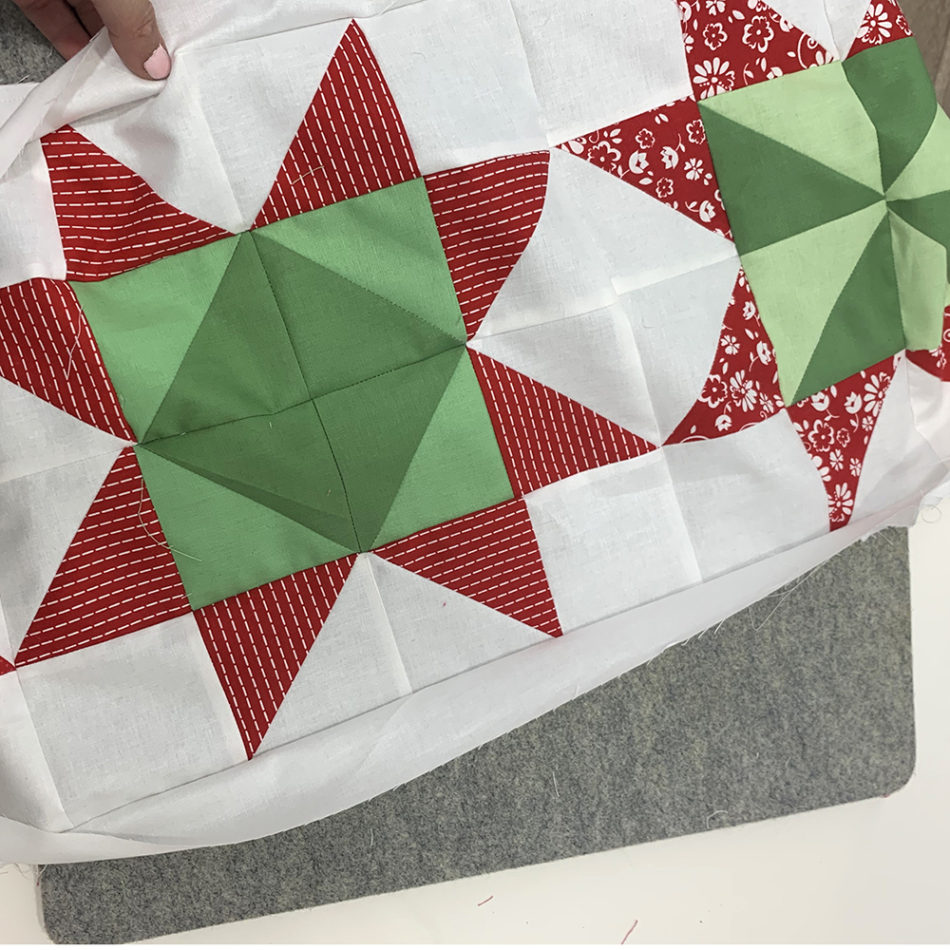
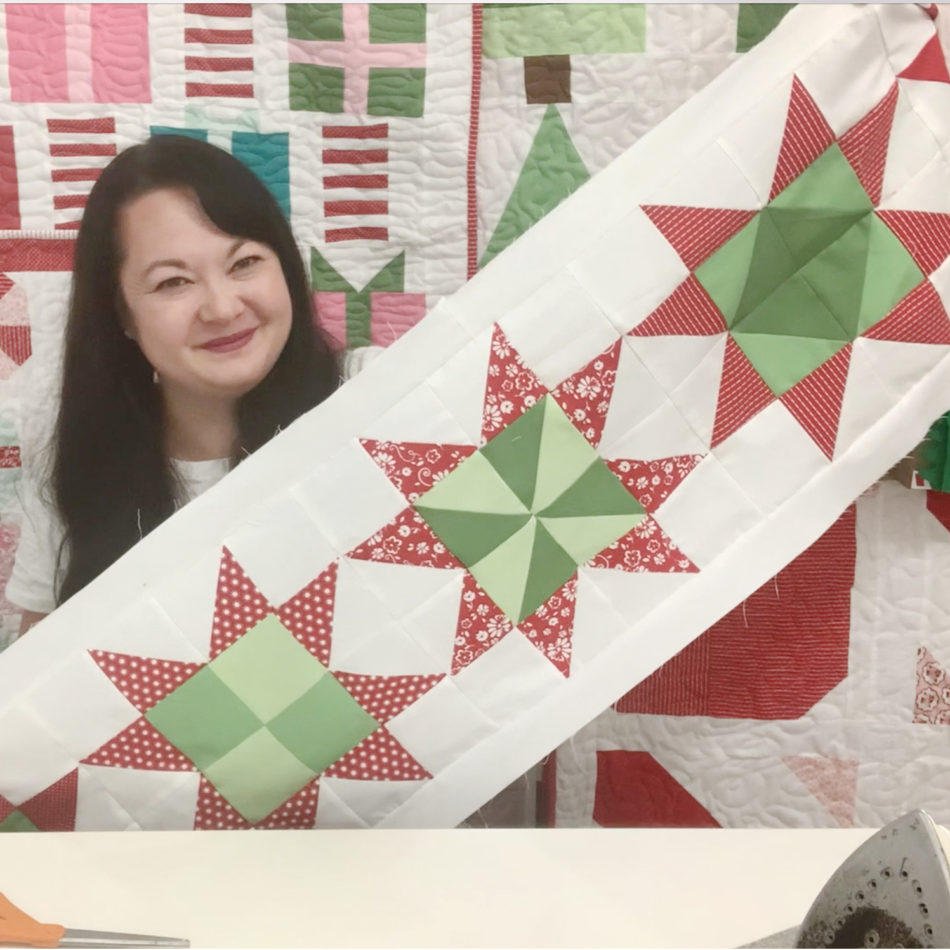 TUTORIAL VIDEO SCHEDULE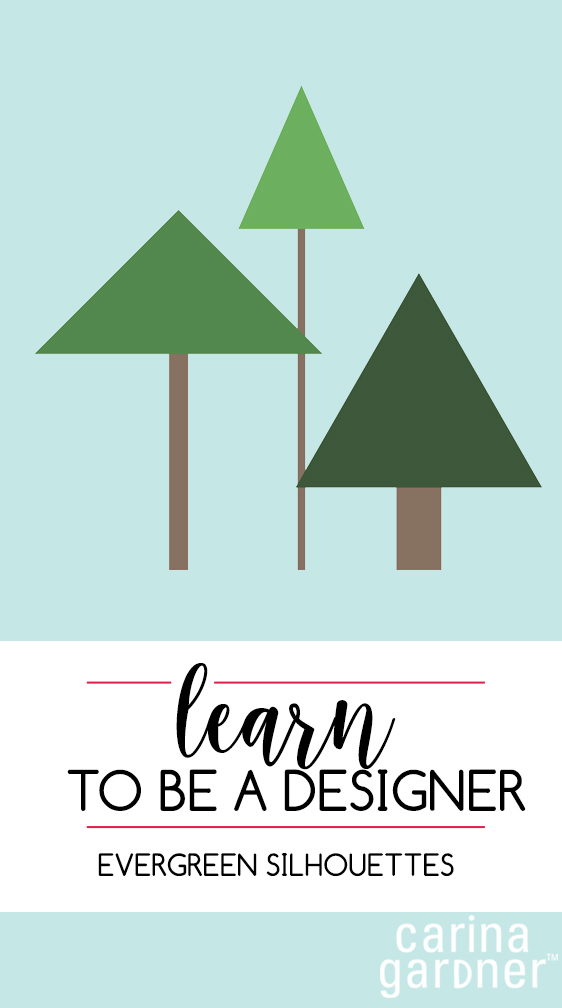
 Hello there! Today I’m showing you how to put together your own quick little evergreens in Illustrator so that you are one your way as a designer!

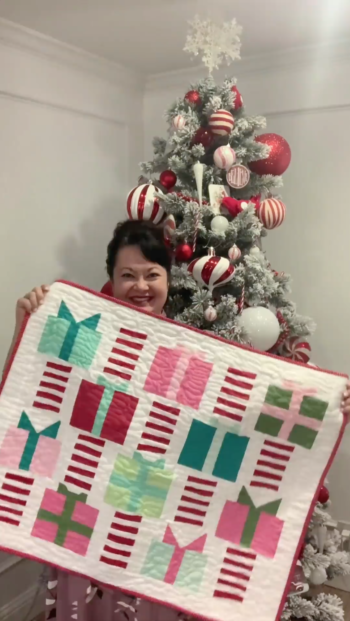 I’ve been making a lot of content but it has been hard for me to keep up with posting them here on the blog so I have a few 15 second videos for you in this one post. These are originally posted with Reels at either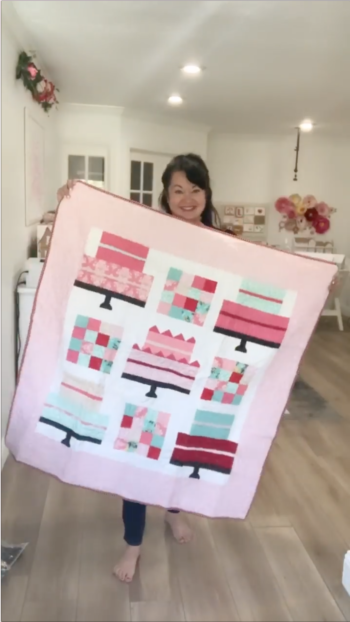
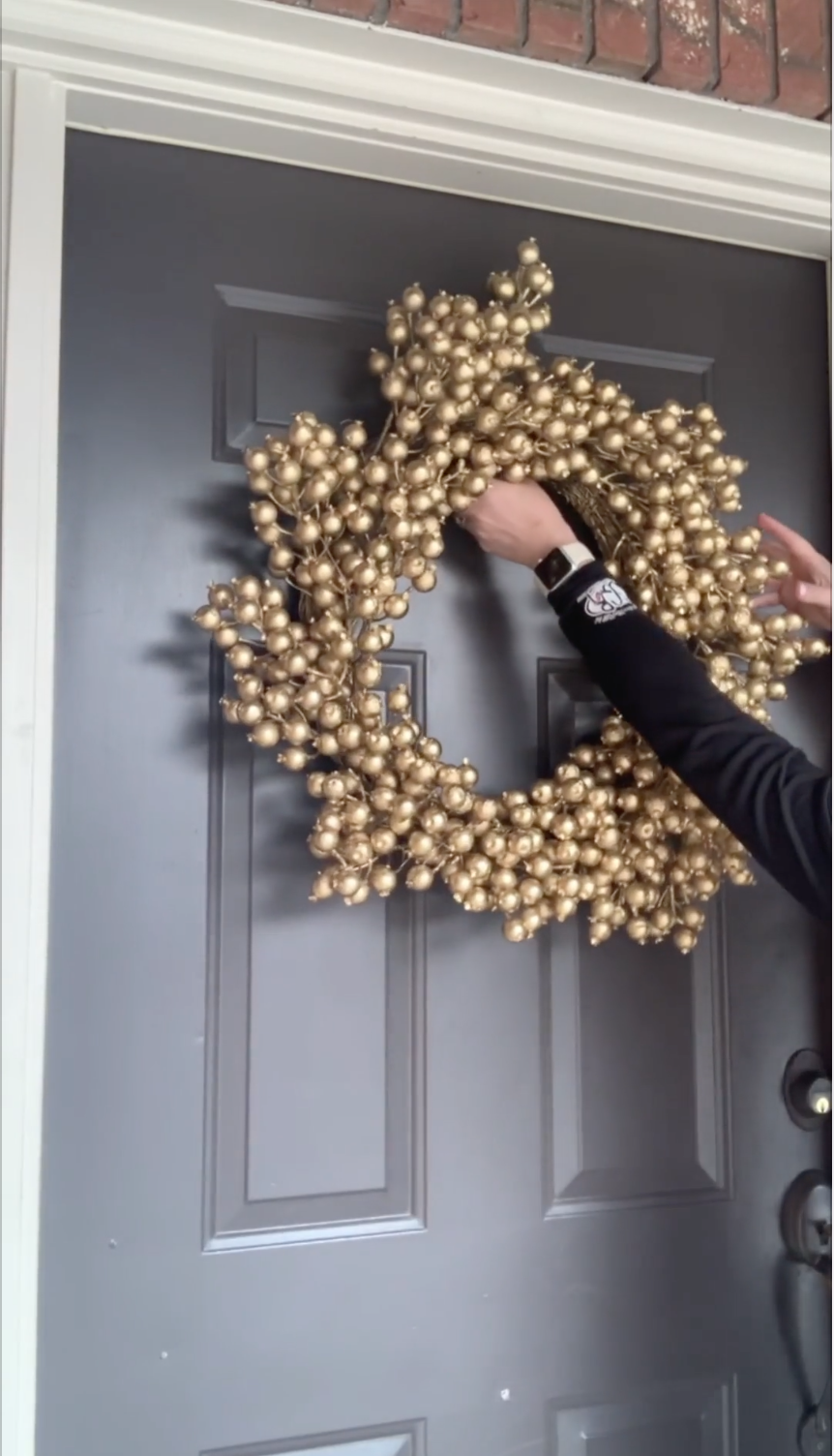
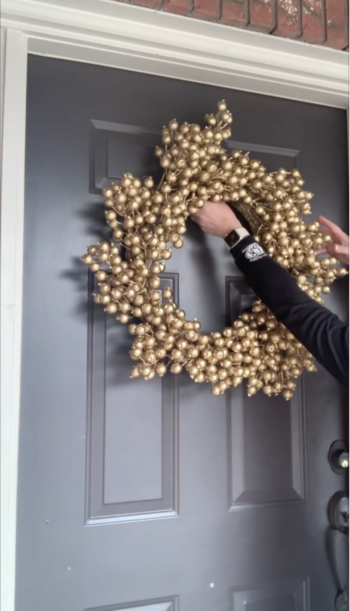 I’ve been making a lot of content but it has been hard for me to keep up with posting them here on the blog so I have a few 15 second videos for you in this one post. These are originally posted with Reels at either
 I’ve been making a lot of content but it has been hard for me to keep up with posting them here on the blog so I have a few 15 second videos for you in this one post. These are originally posted with Reels at either
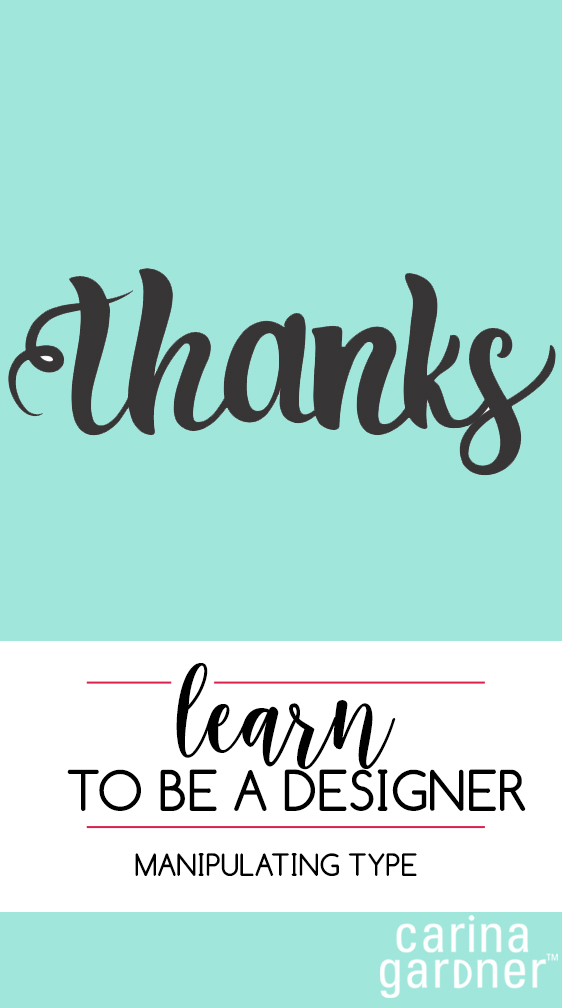
 One of my favorite tricks is to manipulate type so I can use it for different things! In this video I show you how to change your type and add flourishes to it! I hope you enjoy!